Tax accounts and net income, straight from your bookkeeping.
Finix reads the entries in your Horus books and works out the accounts, corporate income tax, advance tax payments and the net income a self‑employed person can pay themselves each month. No re-keying, nothing changed.
14-day free trial · demo data included · Request a demo
- Read-only
- On your computer
- No sign-up
Works with the Horus accounting software. More accounting software to follow.
One app, three ways to use it
Finance teams
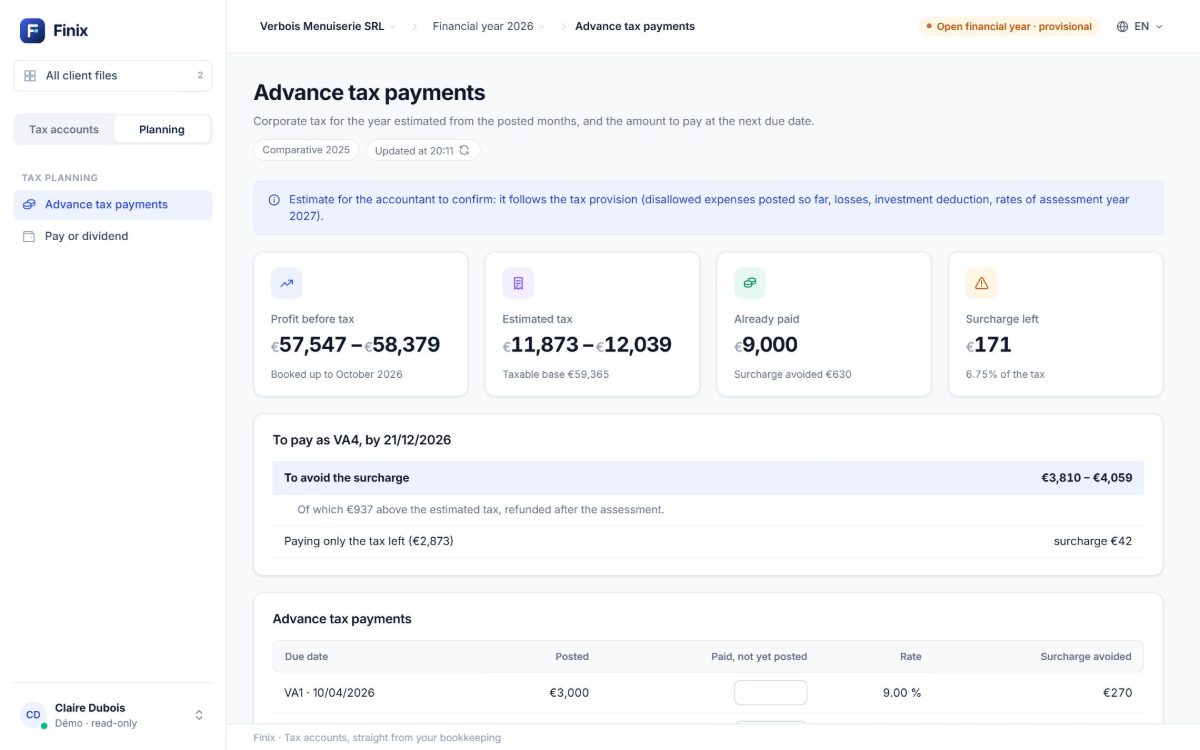
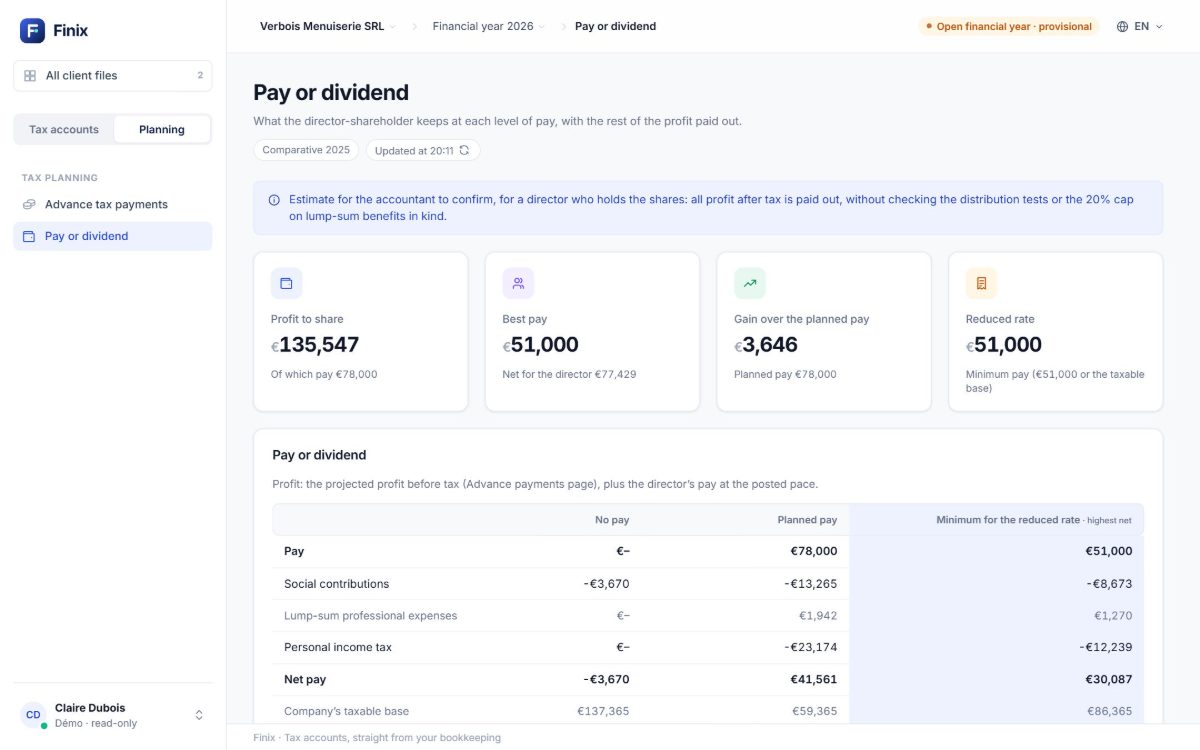
Your company’s accounts and tax during the year: tax provision, advance tax payments, the director’s salary or dividend.
Accounting firms
All your client files, their year-ends and deadlines, and accounts ready to present to your clients.
The self‑employed
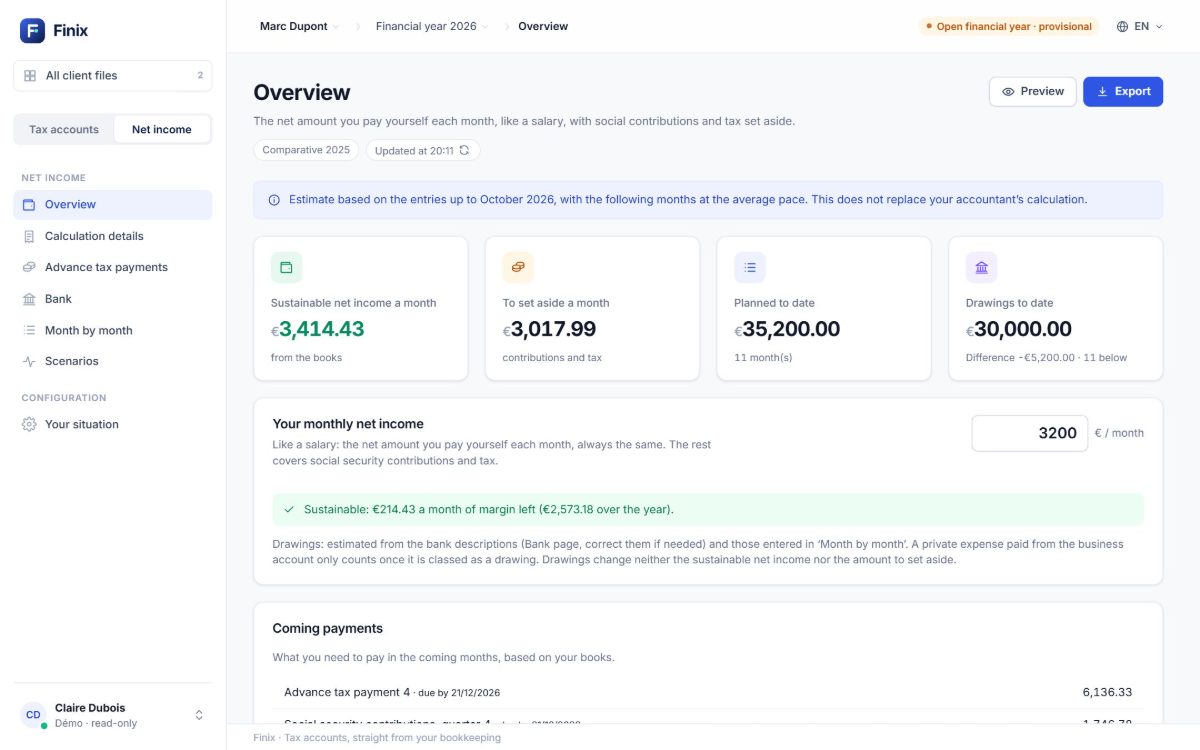
What you can pay yourself each month, and what to set aside for social security contributions and tax.
Your entries become figures you can use
Finix reads every entry, applies the year’s Belgian tax rules and gives you the result, the tax and what is left to pay.
Your entries in Horus
| 700000 | Joinery made and fitted | +28,450.00 |
| 604000 | Timber and hardware purchases | −7,120.00 |
| 611100 | Fitting subcontracted | −6,500.00 |
| 613000 | Vehicle – fuel | −214.60 |
| 617600 | Restaurant expenses | −86.40 |
| … | … and every other entry of the year | |
Worked out by Finix
Everything the books don’t tell you yet
The entries are there. Finix turns them into the figures you need, with the year’s tax rules.
Tax accounts
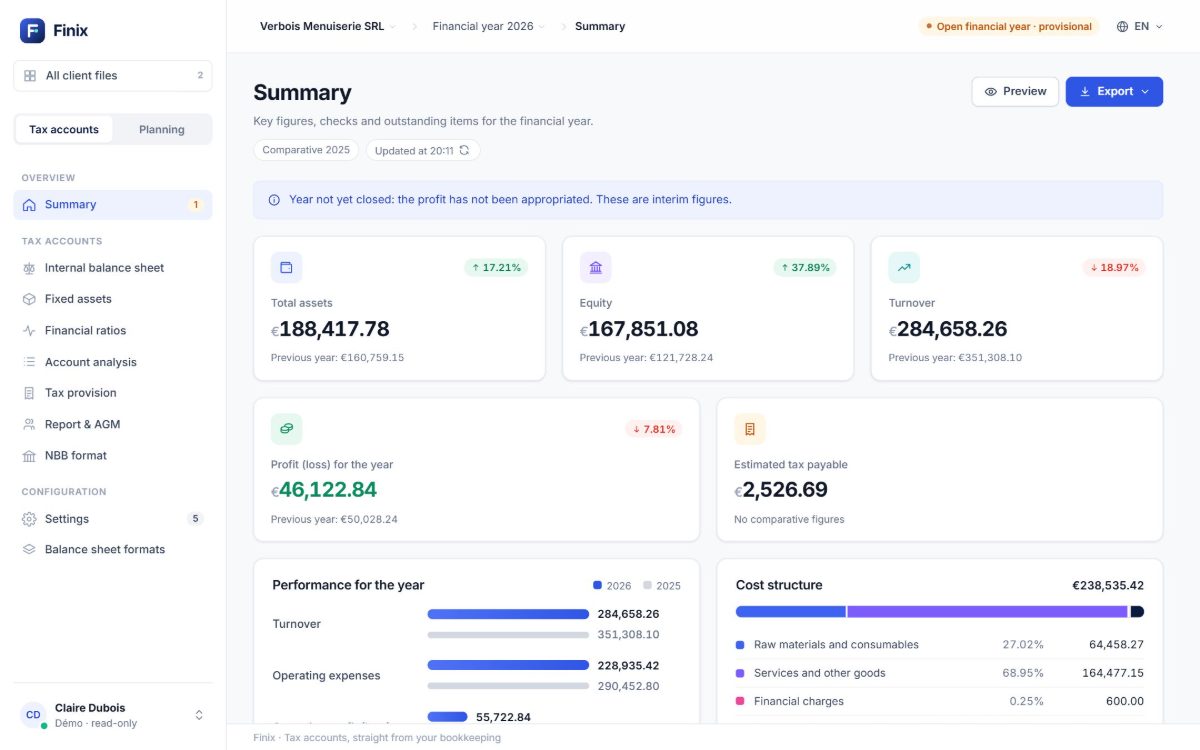
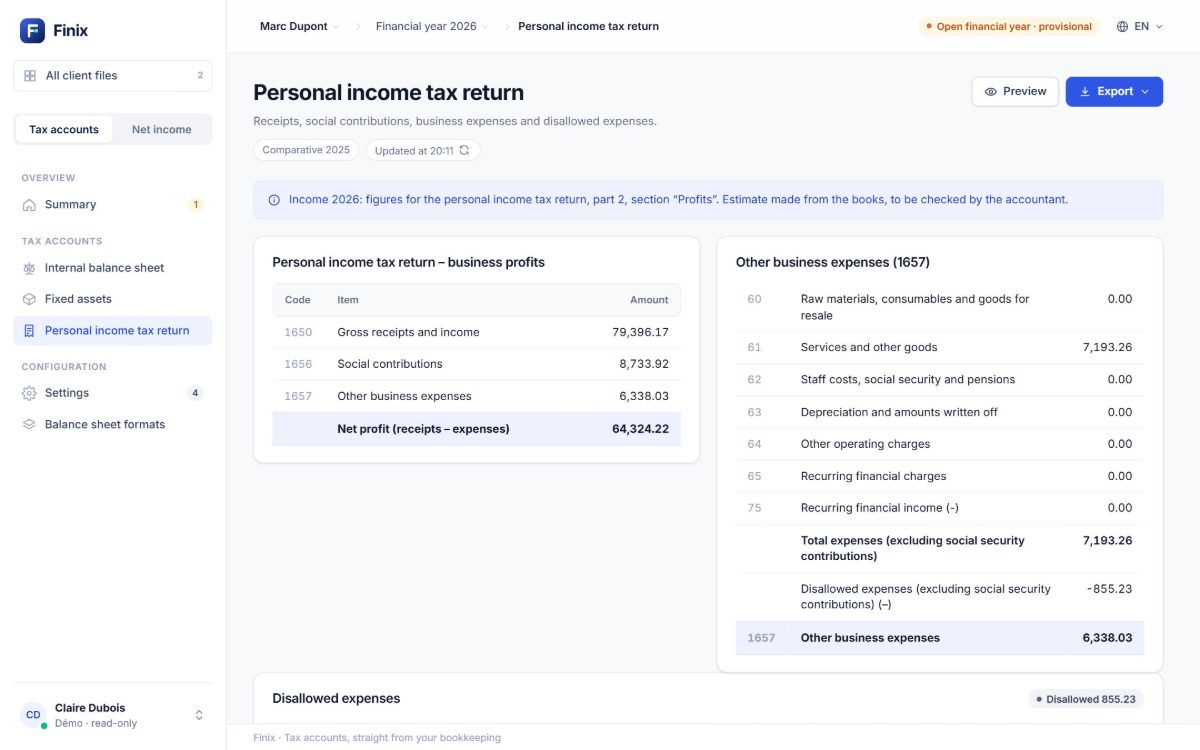
A company’s year-end accounts, ready to present.
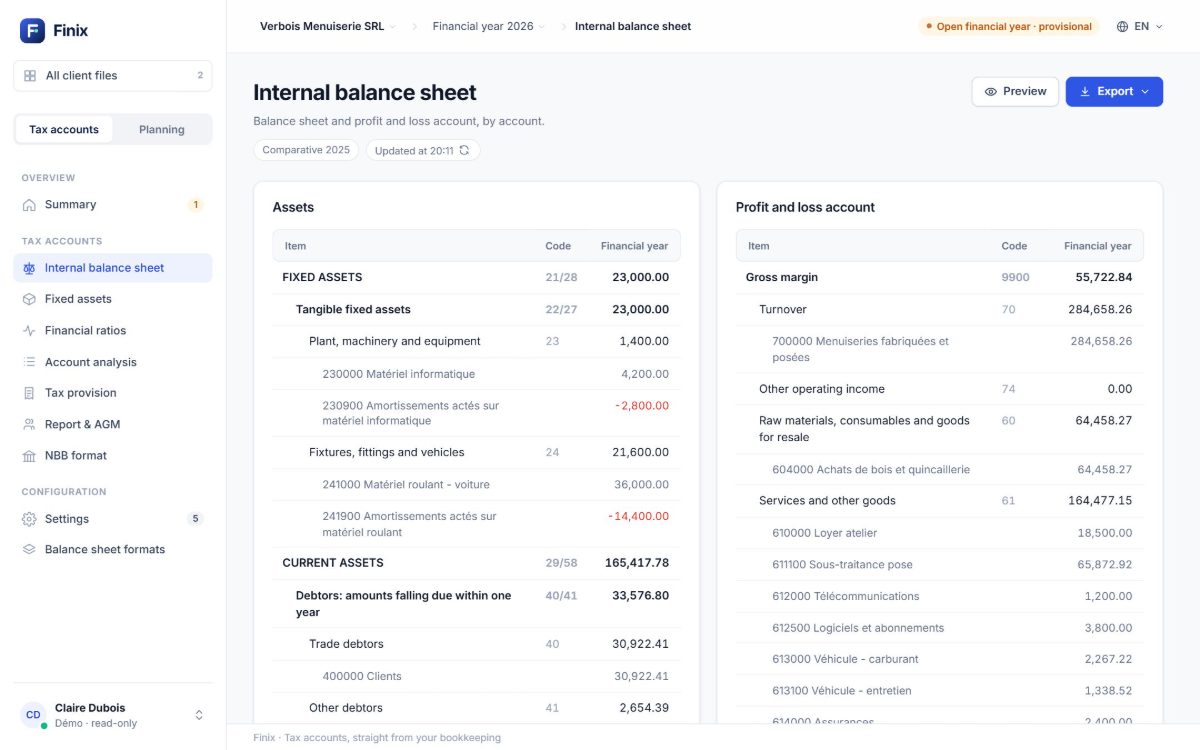
- Internal balance sheet and NBB format, compared with the previous year
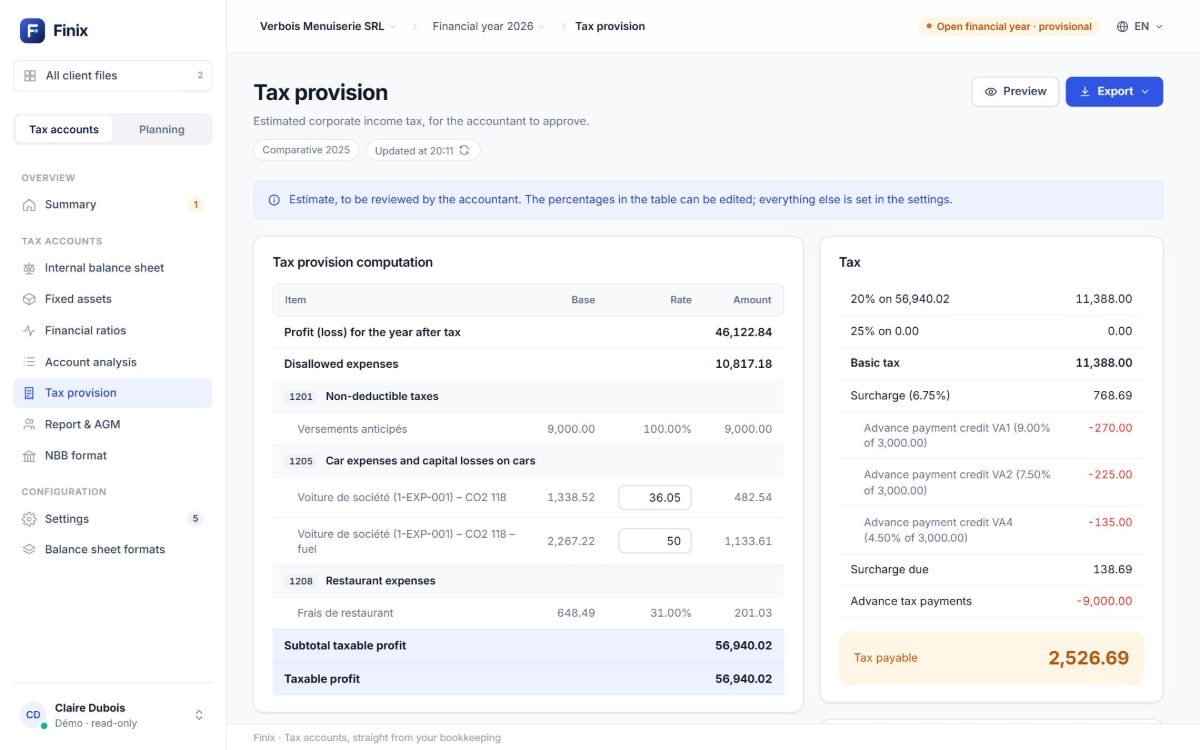
- Corporate tax provision: disallowed expenses, car costs by CO₂
- Advance tax payments and the surcharge, salary or dividend
- Fixed assets, financial ratios, account analysis
- Directors’ report and AGM minutes, as PDF or Excel
Net income
What a self‑employed person can pay themselves each month, like a salary.
- Sustainable net income a month, from the books
- To set aside: social security contributions and tax
- Advance tax payments and coming due dates
- Drawings read from the bank account
- Scenarios: a weaker or a stronger year
For accounting firms: every client file at a glance
How far each file’s bookkeeping has got, the year to close and the next deadlines: the firm’s view.
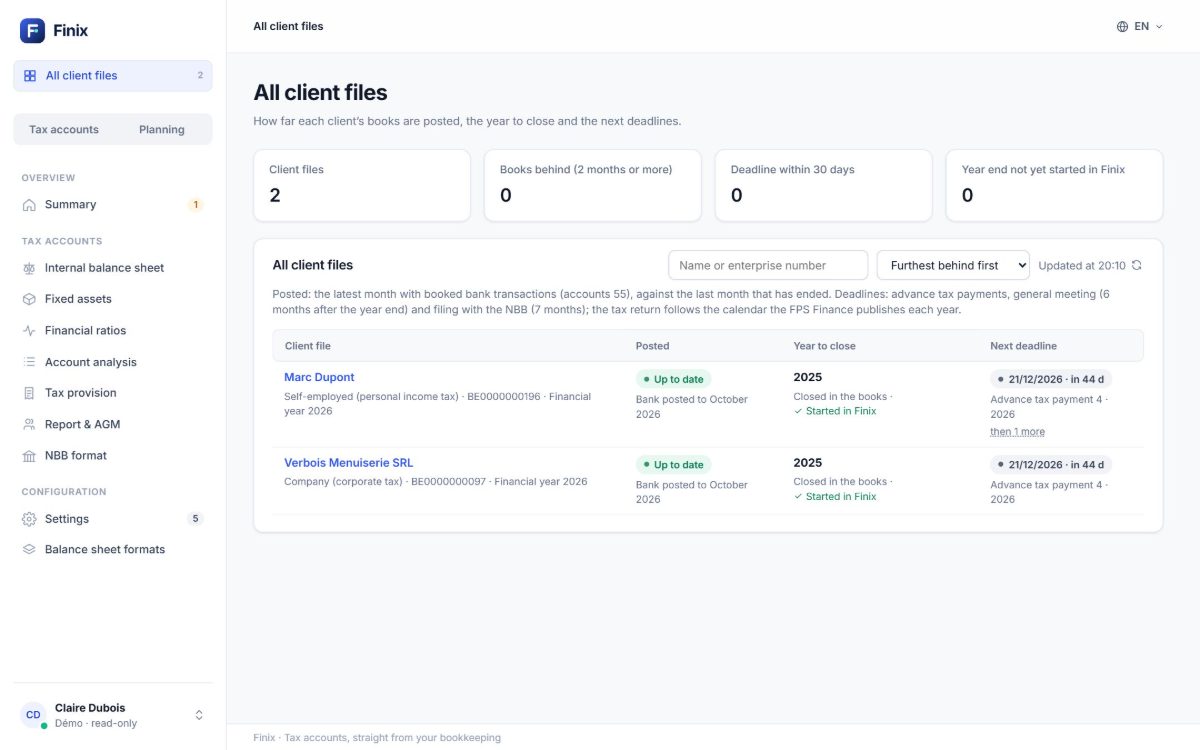
Every screen ready for year-end
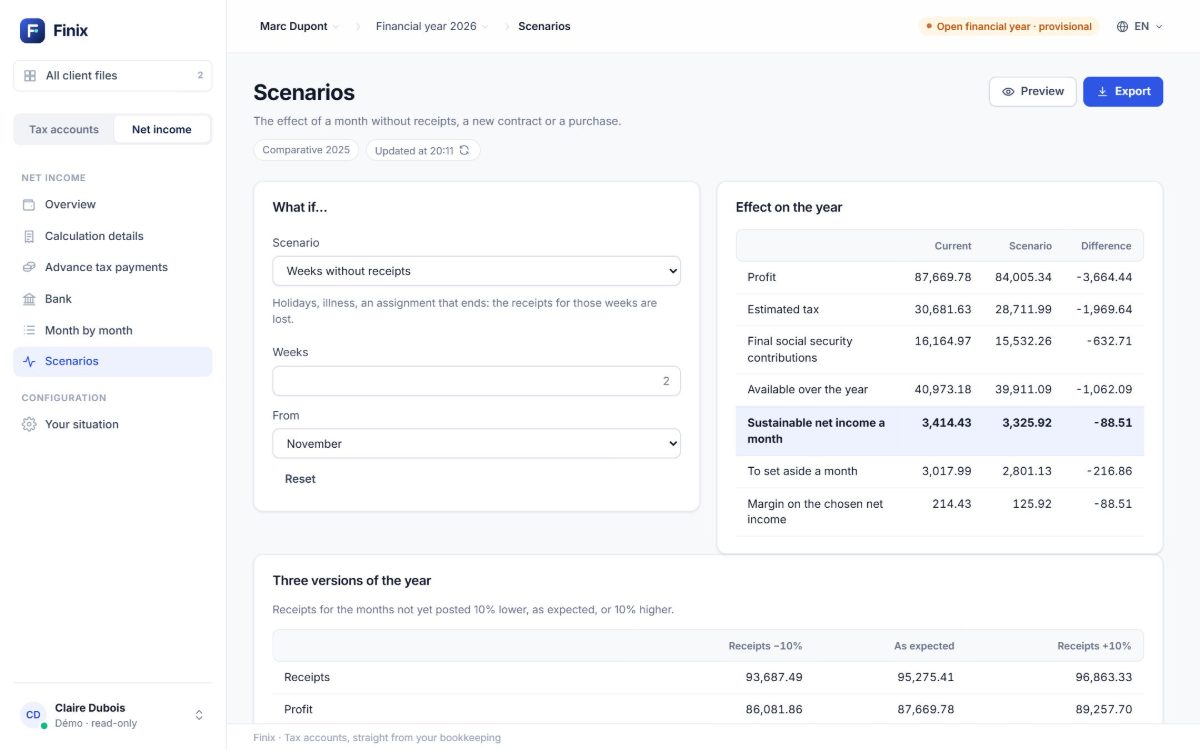
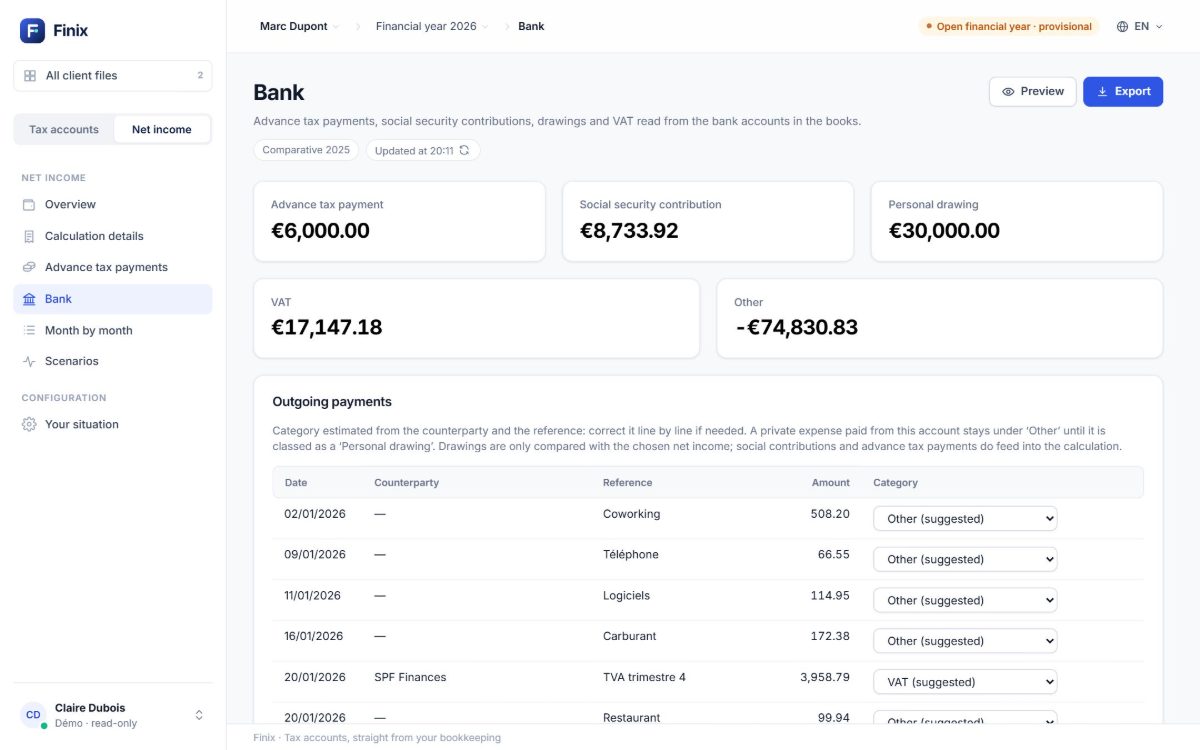
From installation to accounts in minutes
Install Finix
On Windows or macOS. On Windows, updates arrive on their own.
Connect Horus
You sign in on my-horus.com; Finix gets read-only access to your books.
Choose the company and the year
Finix reads the entries and works everything out, with the year’s tax rules.
Export
Accounts as PDF or Excel, minutes, a net income letter.
Your figures stay yours
Read-only
Finix gets read-only access: it cannot write anything into your books.
Your password stays with your software
You sign in on your accounting software’s own site, never in Finix.
Worked out on your computer
The entries are read and the figures worked out on your computer; our servers only handle sign-in and the licence.
Try Finix with your own books
Install it and connect your accounting software: the 14-day trial starts on its own. Or look around the demo data first.
First launch: if Windows shows “Windows protected your PC”, click “More info”, then “Run anyway”. On a Mac: System Settings › Privacy & Security › “Open Anyway”.
Request a demo
Leave us your details: we’ll show you Finix on sample data or on your own books.
- Finance teams
- Accounting firms
- The self‑employed